Photos and videos in one gallery
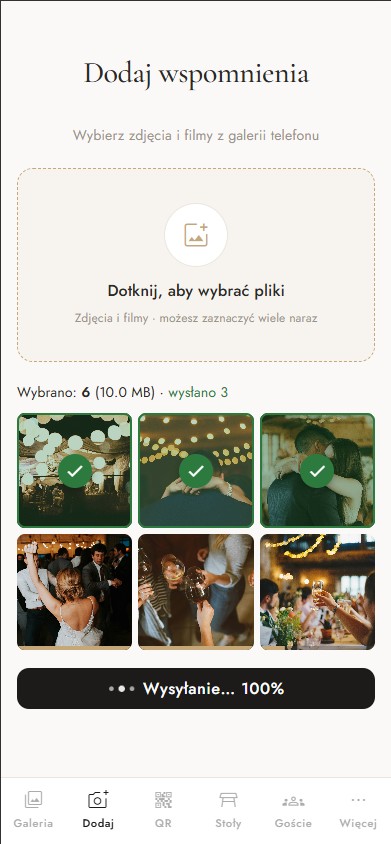
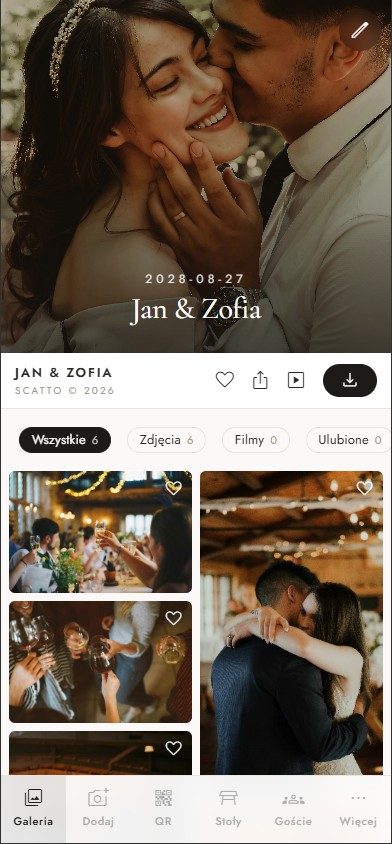
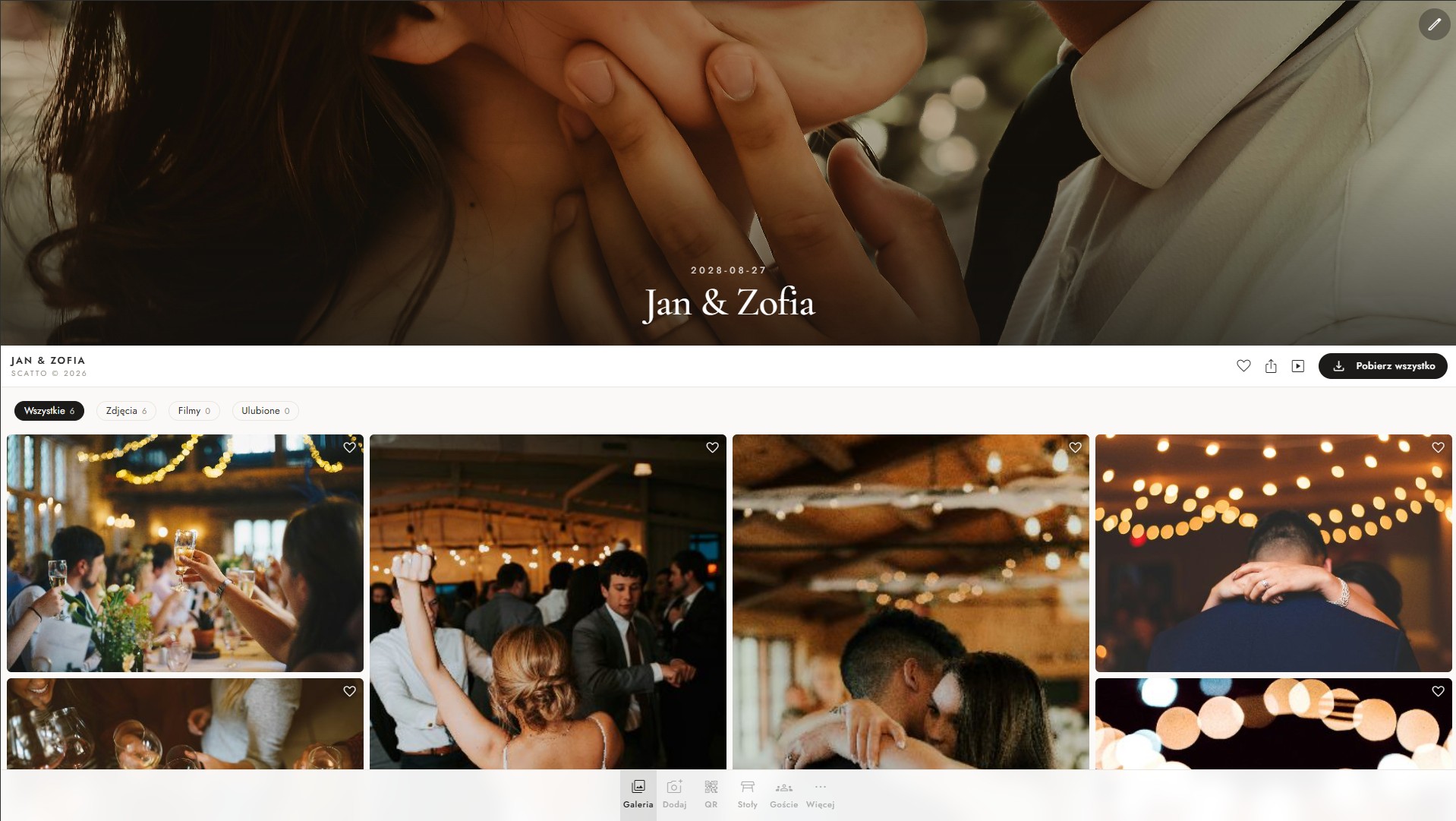
Guests pick photos and videos straight from their camera roll — the upload starts immediately, with no sign-in. Everything lands in your gallery, which you can browse while the party is still going.
Guests scan the QR code on their table and add photos and videos right away — no app to install, no account to create. You get one shared gallery online, plus digital invitations with RSVP, a seating plan, the schedule, the menu and your own photo challenges. A wedding, a birthday, a company party — it works exactly the same. You pay once per event, with no subscription.

Works for


Guests pick photos and videos straight from their camera roll — the upload starts immediately, with no sign-in. Everything lands in your gallery, which you can browse while the party is still going.

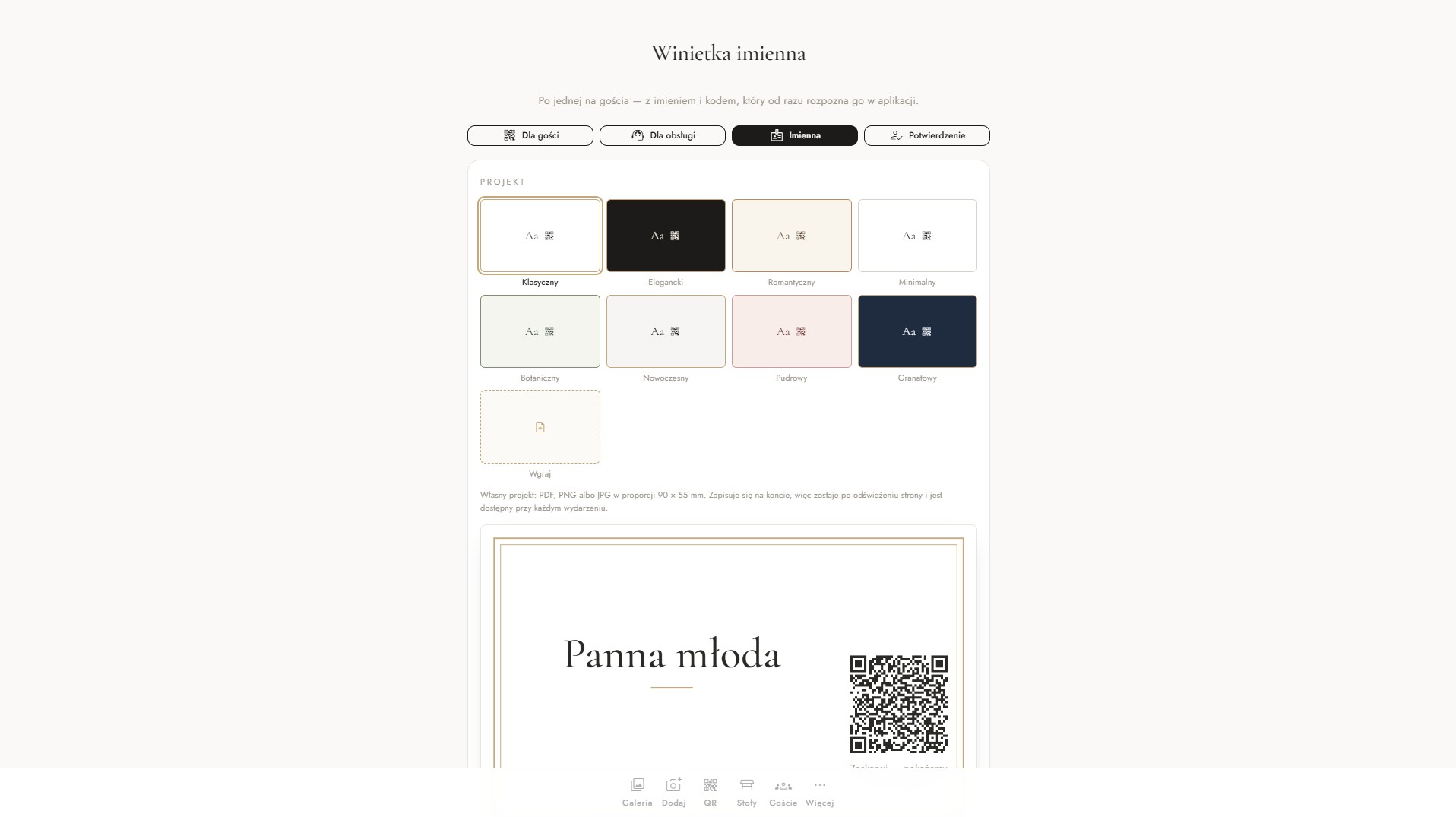
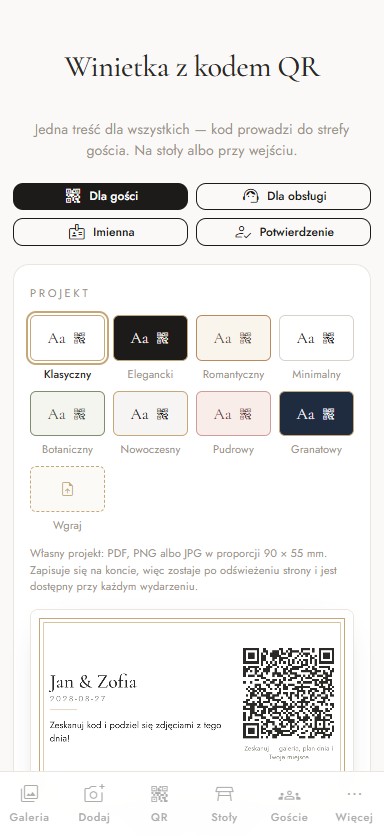
Pick one of the ready-made designs — classic, elegant, botanical, navy — or upload your own. Guests scan the code and add photos and videos within seconds, with no app and no account.

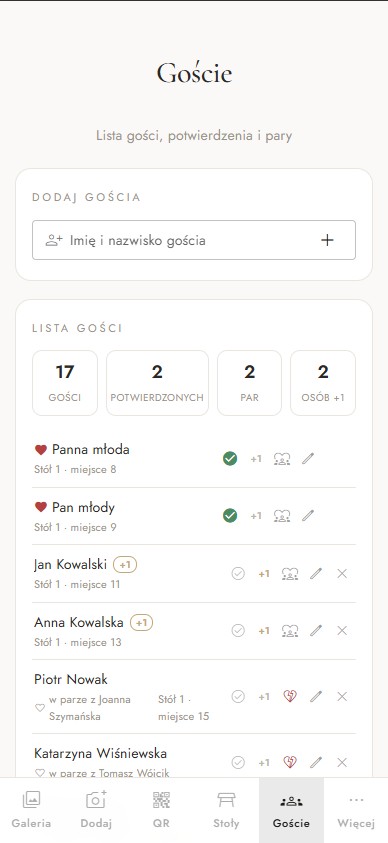
You send a digital invitation by link, email or QR code — with the date, the venue, a map and a confirm button. Guests open it on their phone and reply straight away, while you watch the guest list, the head count and dietary preferences update themselves.

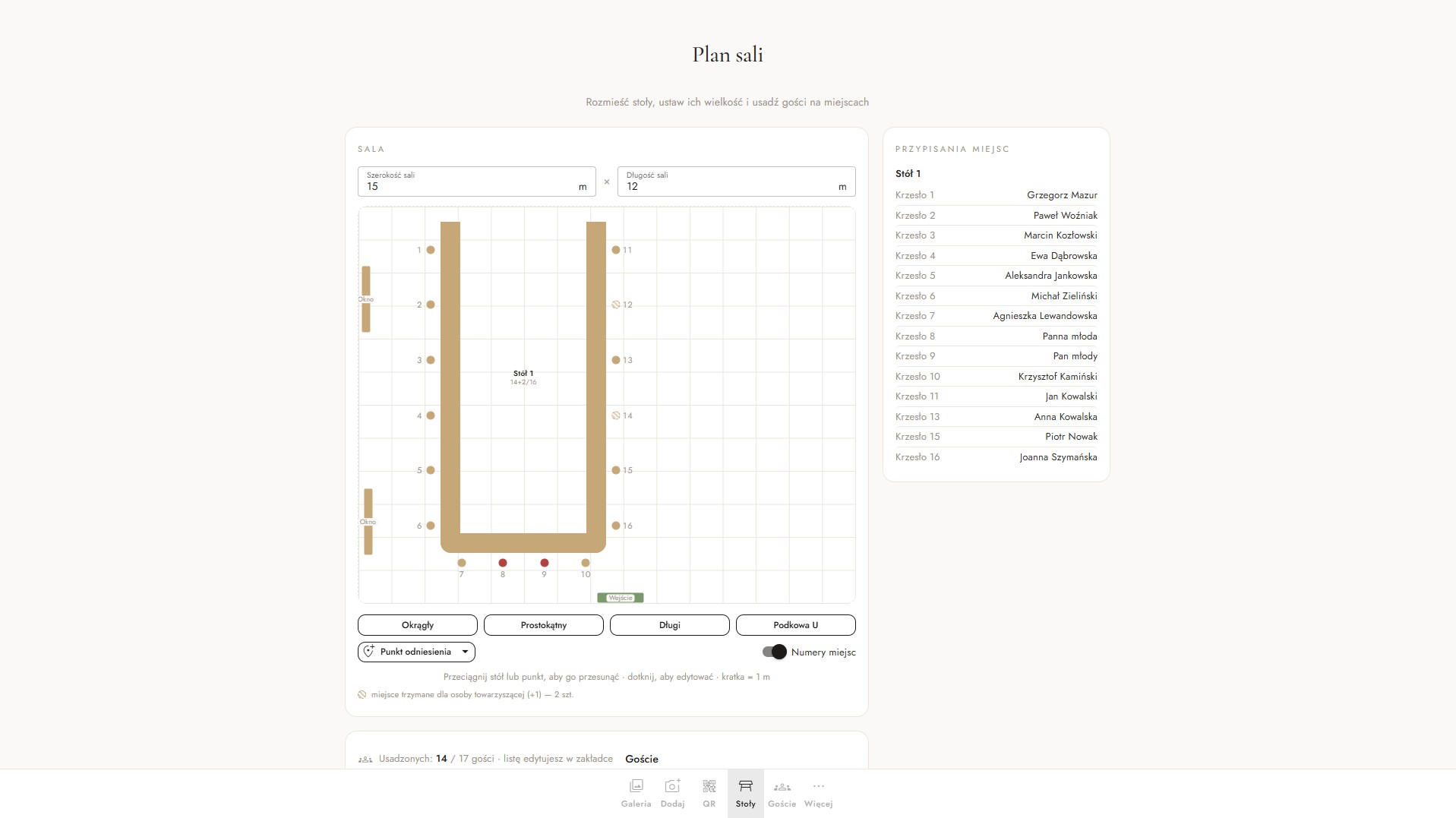
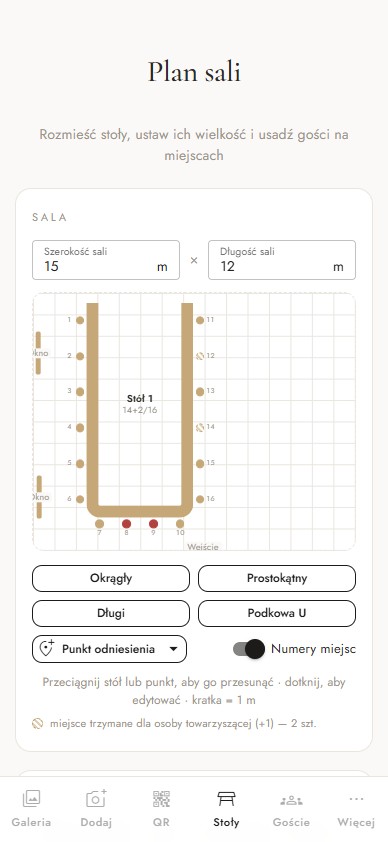
You seat guests at tables in the app, and each of them checks their own seat on their phone — no more hunting for a place card across the room.

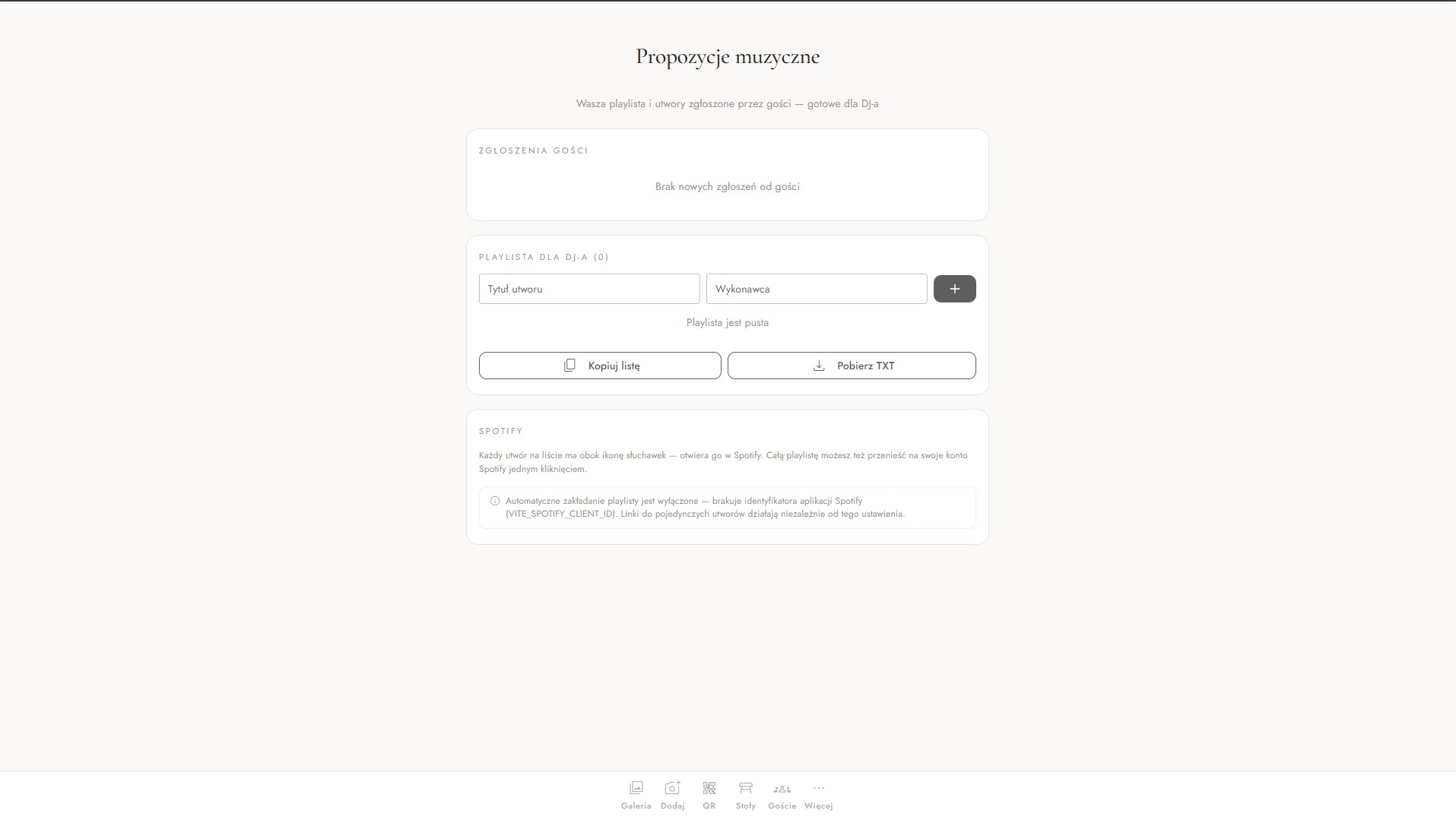
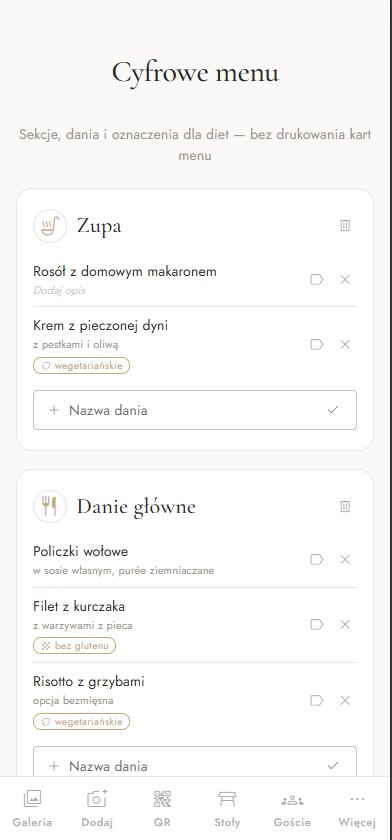
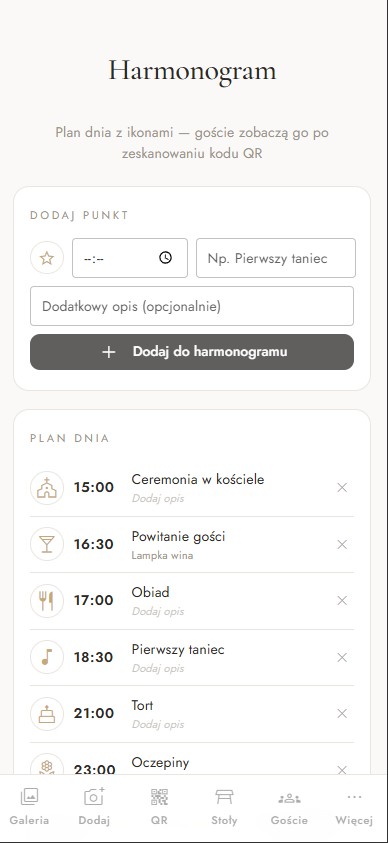
A schedule with icons — from the ceremony to the last dance. Plus a menu with dietary labels and song requests from guests that you approve for the DJ.

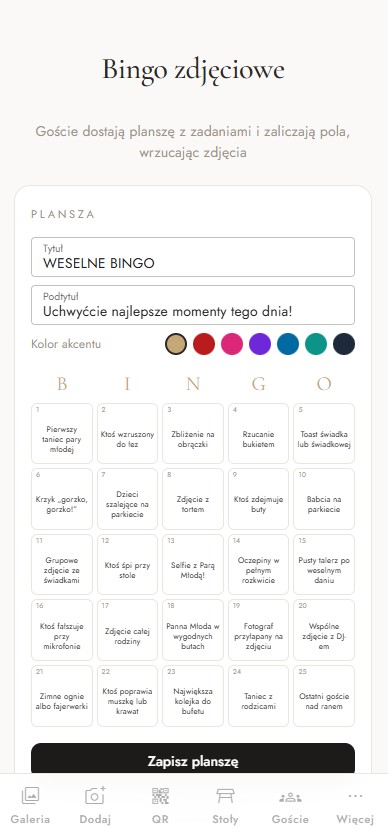
You write your own list of tasks: “a selfie with the couple”, “a shot of the first dance”, “the best frame from the dance floor”. Guests tick them off on their phone and every completed task lands in your gallery. Prefer not to start from scratch? Switch on the ready-made photo bingo.
Scatto combines a shared photo and video gallery with running the event itself. The same modules cover a wedding, an eighteenth, a christening, an anniversary and a company away day — you switch on only the ones you need.
Guests install nothing and register nowhere — a phone with a camera and the QR code on the table is all it takes.
Send the invitation with date, venue and a map by link or QR code. Guests confirm they are coming in a single tap.
Courses, dishes and dietary markers — guests can read the menu before the starter arrives.
Guests suggest songs, you approve the playlist and hand it over to the DJ.
The gallery is open only to people with your code or link. You decide what guests get to see.
Your own tasks for guests, or ready-made photo bingo — the simplest way to end up with hundreds of photos instead of a few dozen.
After the event you download every file in original quality — no chasing guests across group chats.
Wedding, hen party, day-after brunch, birthday, company away day — every event on a single account.
From creating the event to the first photos and videos from guests usually takes less than fifteen minutes.
Set up an account, add the date and the names — the gallery is live right away and you switch modules on with a single toggle.
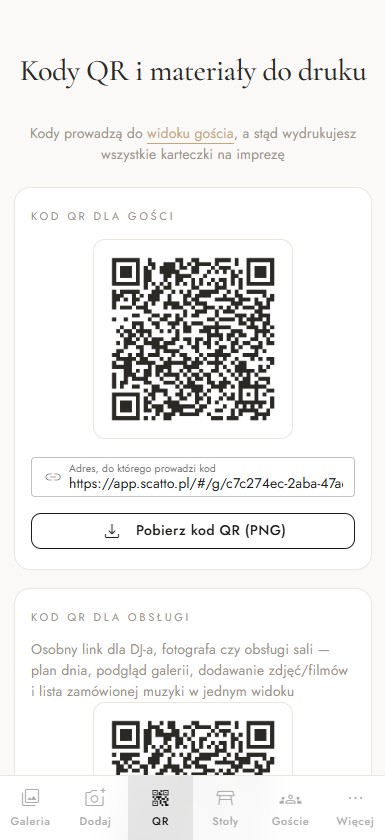
Download the elegant QR cards and place them on the tables on the day.
Every scan brings new photos and videos, RSVP confirmations and song requests — it all reaches you on its own.
Some go to the group chat, some stay on phones, and the rest never reach you at all.
Calls, messages and a spreadsheet that still does not add up three days before the wedding.
“Which table am I at?”, “When is the cake?” — a whole day spent answering guests.
Every photo and every video from a guest lands in your gallery — instantly, in original quality.
Guests confirm online while you see the current list and the exact head count.
Seating plan, menu and schedule stay in your guests’ pockets all day long.
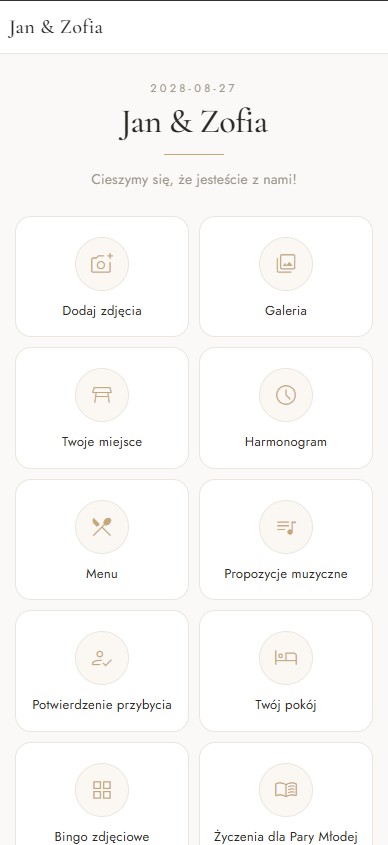
After scanning the QR code, a guest lands on your event page. You decide which sections are switched on — and you can check the guest view in the app with a single tap.

The organiser panel in your browser and the guest view on a phone — the same content, two different levels of access.


No subscription and no monthly fees. Plans differ in photo and video limits, in the set of modules and in how long the gallery lives on after the party.
Scatto is only just starting out, so every plan is now 50 PLN off the list price.
Starter — gallery, invitations, RSVP and QR place cards
Instead of 129 PLN
Standard — seating plan, schedule and a 3-month archive
Instead of 219 PLN
Premium — the full set of modules for guests
Instead of 349 PLN
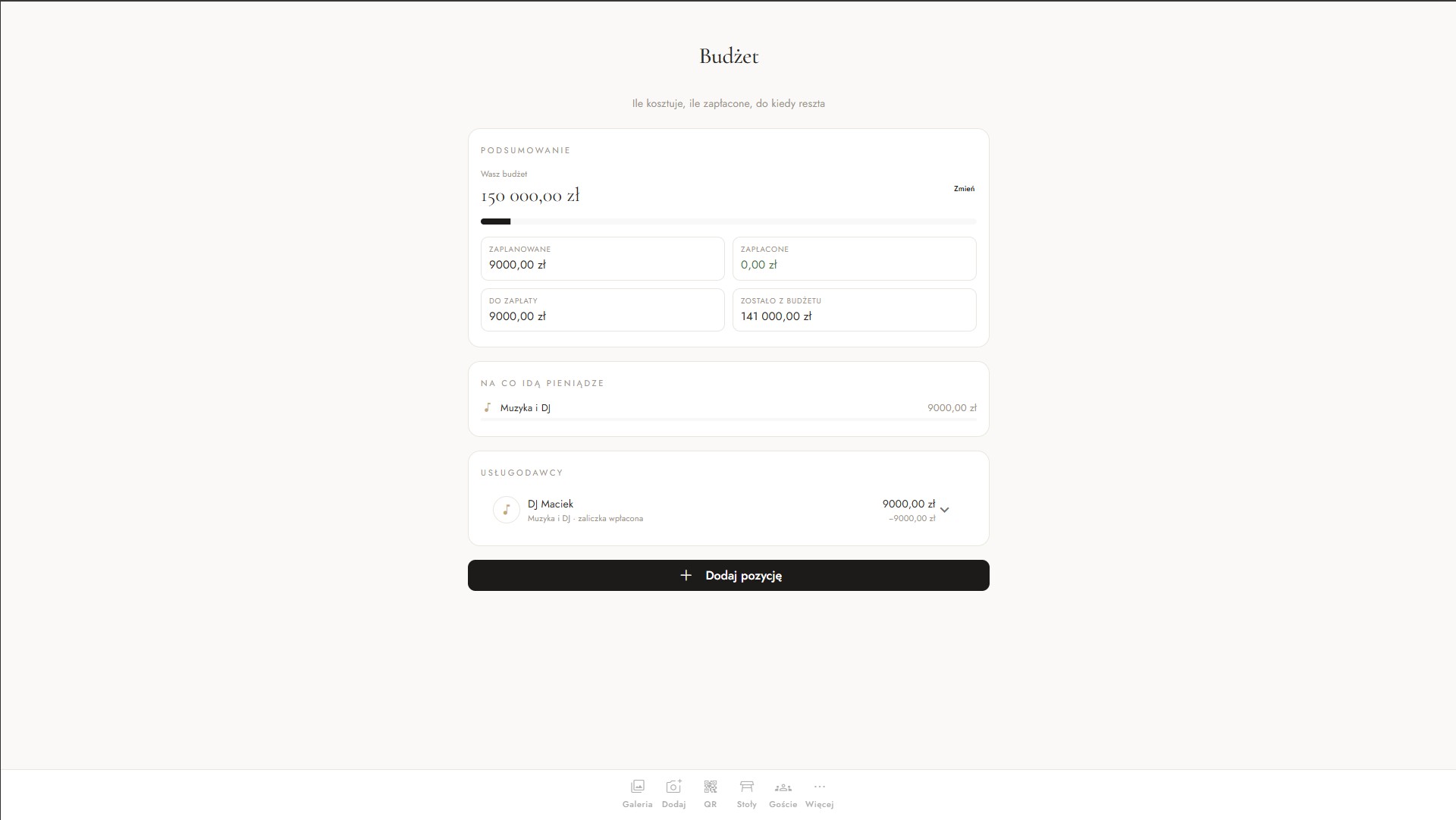
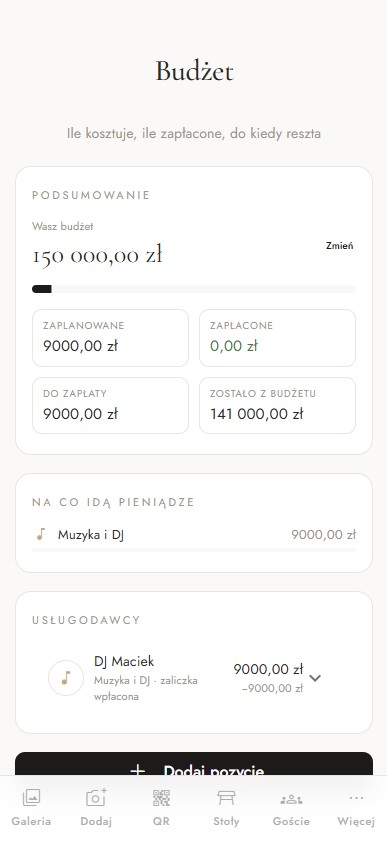
Platinum — unlimited photos and videos, branding and budget
Instead of 549 PLN
You pay once per event — no subscription, no renewals, no monthly fees.
Access is counted from the event date, so a wedding a year away costs exactly the same as one next month.
You can move up to a higher plan whenever you want — you only pay the difference.
Prices in Polish złoty, VAT included. Every order comes with an invoice — for a private person or a company.
No. A guest scans the QR code on the table and lands straight on your event page — nothing to install and no account to create.
Any event where guests take photos. Weddings are the most common, but it works the same way for an eighteenth or a milestone birthday, a christening, an anniversary, a hen party, a company away day, an office Christmas party or a conference. You switch modules on selectively: a wedding usually wants the full set with a seating plan and RSVP, a birthday often needs only the gallery and photo challenges.
From 79 zł for the whole event on the Momento plan up to 499 zł on Ricordi. You pay once — no subscription, no monthly fees, nothing to renew. The price depends on neither the type of event nor the number of guests: a wedding app costs the same as a gallery for a birthday or a company away day. The gallery, digital invitations, RSVP, photo challenges and print-ready QR cards are all included.
A wedding invitation as a page your guest opens on their phone — with the date, the venue, a map and a confirm button. You send it by link, by email, or as a QR code printed on a paper invitation. The guest confirms in a single tap and the answer lands on your guest list immediately.
You write your own list of tasks for guests — “a selfie with the couple”, “a shot of the first dance”, “a photo with the oldest guest”. Guests see them on their phone, tick them off one by one and send the photos straight to the gallery. You can also switch on ready-made photo bingo. It is the simplest way to collect hundreds of photos instead of a few dozen.
A QR code works best — but placed in several spots, not just one. A code at the entrance, on every table, by the photo booth and on the invitation brings in many times more photos than a single sign next to the cake. Photo challenges help too: guests get a concrete reason to reach for their phone.
The gallery is private — only people with your code or link can open it. You decide which sections are switched on for guests.
Yes. After the party you download every file from the gallery as a ZIP — no collecting them from guests across group chats.
Yes, with every order — made out to a private person or to a company. For corporate events that matters twice over: the payment is one-off per event, so there is no contract left to cancel afterwards. Further events in the same year run from the same account.
You download the cards from the app as a print-ready file — a separate code for each table, ready to print and set out.
Usually a few minutes: create the event, add the date and the names, switch on the modules you need — the gallery works straight away.
A few clicks and the gallery is ready — QR cards for the tables, RSVP, seating plan and the schedule for the day, all in one place.